
Text to Lowercase Converter
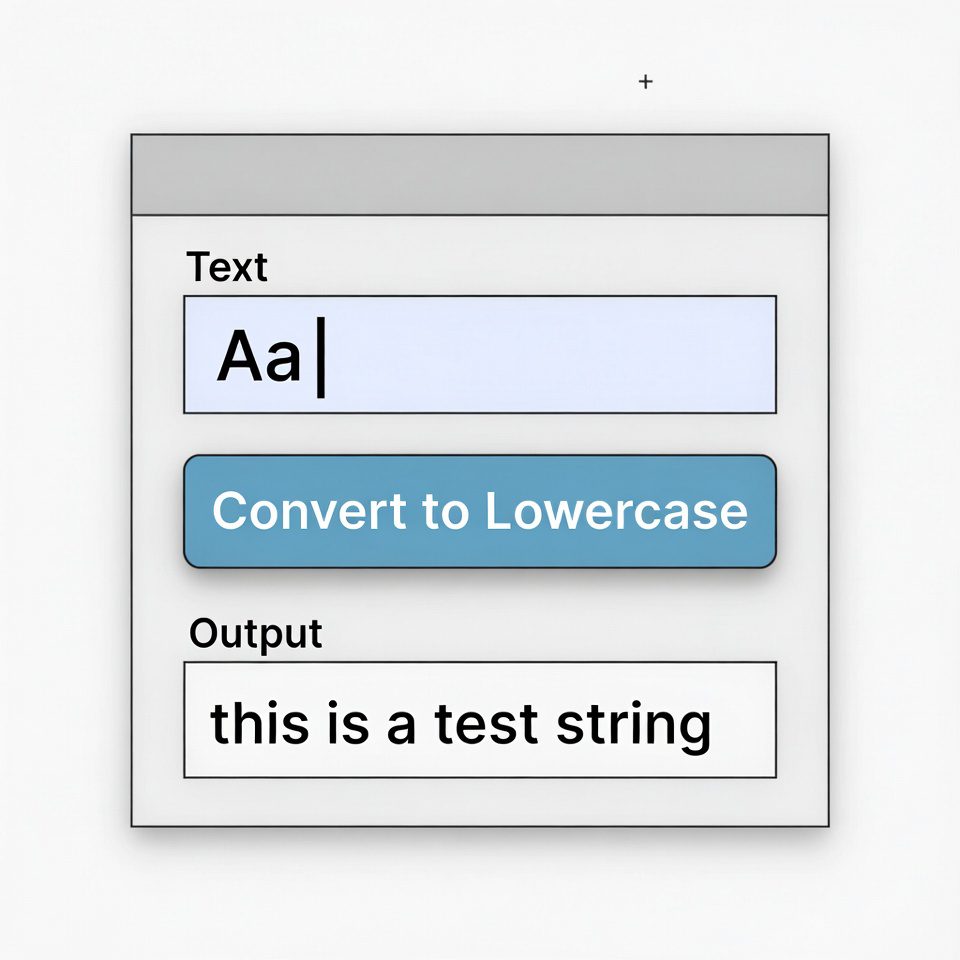
This tool converts any text you enter to lowercase. Simply paste your text in the box below and click the “Convert to Lowercase” button.
Useful for normalizing text, email addresses, usernames, or when lowercase formatting is required for consistency.
Result:
How to Use:
- Enter or paste text in the input box above
- Click the “Convert to Lowercase” button
- The lowercase version will appear in the result box
- Use the “Copy Result” button to copy the converted text to clipboard
Text to Lowercase Converter | Convert Text Online
Convert any text to lowercase instantly. Our free lowercase converter maintains formatting and works with multiple languages. Perfect for formatting and coding.
Introduction
Need to standardize text formatting for databases, coding, or content creation? Manually converting uppercase text to lowercase is tedious and prone to errors. Consistent text casing improves readability and ensures proper functionality in many applications. A text to lowercase converter provides instant, accurate text transformation with a single click. This guide will show you why lowercase conversion matters and how our free tool streamlines your text formatting workflow.
What is a Text to Lowercase Converter?
A text to lowercase converter is an online tool that transforms uppercase or mixed-case text into all lowercase letters. It processes various text formats while preserving numbers, symbols, and special characters.
Our efficient converter handles:
- Plain text documents of any length
- Multiple languages and character sets
- Programming code and technical content
- Formatted text with punctuation
- Batch processing of multiple texts
Why Lowercase Conversion is Important
Consistent text casing affects readability, data processing, and technical functionality across numerous applications.
1. Data Standardization
Ensure consistency in databases, spreadsheets, and customer records where lowercase formatting is required.
2. Programming Requirements
Many programming languages and systems are case-sensitive and require specific lowercase formatting.
3. Content Readability
Lowercase text is generally easier to read for extended content, following standard writing conventions.
4. SEO Optimization
Search engines often normalize text to lowercase, making consistent formatting important for search visibility.
Key Features of Our Lowercase Converter
Our tool provides professional text transformation with these user-friendly features.
- Instant Conversion: Transform text with one click
- Format Preservation: Maintains original spacing and line breaks
- Unicode Support: Works with international characters and symbols
- Real-Time Preview: See results as you type
- Easy Export: Copy converted text directly to clipboard
Common Conversion Scenarios
Here are practical situations where lowercase conversion provides immediate benefits.
Data Processing
- Standardize user input in databases
- Prepare text for case-insensitive systems
- Clean imported data from multiple sources
Content Management
- Normalize article titles and content
- Prepare text for automated publishing systems
- Ensure consistency across website content
Programming Development
- Format variable names in code
- Standardize configuration files
- Prepare text for case-sensitive functions
How to Convert Text to Lowercase
Transforming your text takes just three simple steps with our streamlined interface.
- Input Text: Paste or type your text into the converter
- Convert: Click to transform text to lowercase instantly
- Use Results: Copy your converted text for immediate use
Lowercase Usage Best Practices
Follow these guidelines for effective and appropriate lowercase text application.
Maintain Readability
Use standard sentence case for body text, reserving all lowercase for specific technical requirements.
Follow Style Guides
Adhere to organizational or industry standards for text casing in formal documents and communications.
Consider Context
Understand when lowercase is appropriate versus when title case or sentence case should be used.
Test Technical Requirements
Verify that converted text functions correctly in your target application or system.
Understanding Text Case Types
Different text cases serve specific purposes in communication and technology.
Lowercase
Standard for body text, offering optimal readability for extended content.
Uppercase
Used for emphasis, headings, and acronyms. Best for short text segments.
Title Case
Each major word capitalized. Ideal for titles, headings, and proper nouns.
Sentence Case
Only the first word capitalized. Natural reading format for most content.
Conclusion
Lowercase text conversion is essential for data standardization, programming requirements, and maintaining consistent content formatting. A reliable text to lowercase converter eliminates manual formatting errors and saves valuable time while ensuring consistent, professional results. Whether you’re processing data, writing code, or managing content, instant lowercase conversion maintains quality and efficiency in your text formatting workflow.
Ready to standardize your text? [Use our free Text to Lowercase Converter now] and get perfectly formatted lowercase text instantly!
Checkout Our new tool Text Sorter here….
Frequently Asked Questions (FAQs)
Is this lowercase converter completely free?
Yes, 100% free with no usage limits, registration, or hidden costs.
Does it work with non-English text?
Absolutely. Our tool supports Unicode characters, making it compatible with most languages.
Will the converter affect numbers and symbols?
No, numbers, symbols, and punctuation remain unchanged during conversion.
Can I convert large documents?
Yes, our tool handles substantial text volumes suitable for documents and data processing.
Is this lowercase converter completely free?
Yes, 100% free with no usage limits, registration, or hidden costs.
Does it work with non-English text?
Absolutely. Our tool supports Unicode characters, making it compatible with most languages.
Will the converter affect numbers and symbols?
No, numbers, symbols, and punctuation remain unchanged during conversion.
Can I convert large documents?
Yes, our tool handles substantial text volumes suitable for documents and data processing.
