
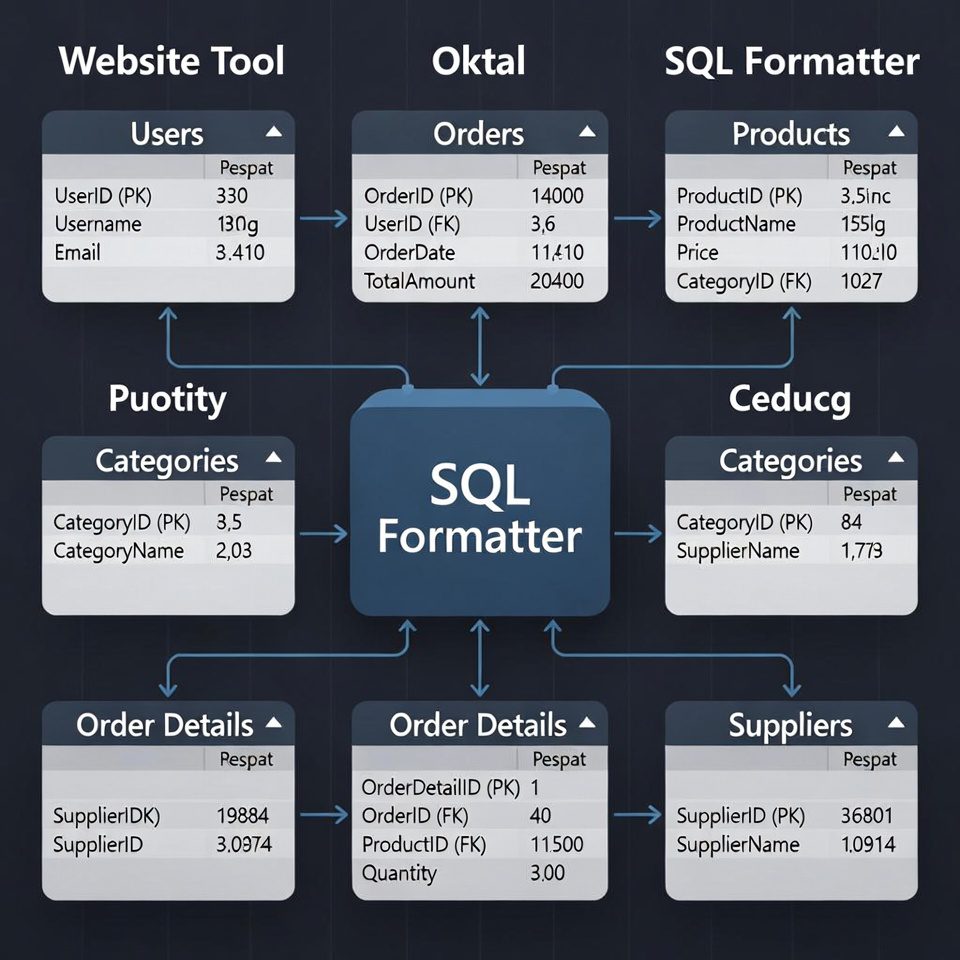
SQL Formatter
About this tool: Format and beautify your SQL queries to make them more readable and maintain consistent style.
How to use:
- Paste your SQL query in the input field
- Click “Format SQL” to beautify your query
- Use “Copy to Clipboard” to copy the formatted SQL
- Choose uppercase/lowercase keywords as preferred
Formatted SQL will appear here…
SQL Formatter | Beautify & Format SQL Code Online
Format and beautify your SQL queries instantly. Our free SQL formatter improves readability with proper indentation, syntax highlighting, and error checking.
Introduction
Struggling to read messy, unformatted SQL code? Trying to debug a complex query but can’t follow the logic? Poorly formatted SQL makes debugging difficult, increases errors, and hampers collaboration. An SQL formatter transforms chaotic code into clean, readable, and professional-looking queries. This guide will show you why proper SQL formatting matters and how our free tool saves you time and prevents costly mistakes.
What is an SQL Formatter?
An SQL formatter is a specialized tool that automatically applies consistent formatting to SQL code. It improves readability by adding proper indentation, line breaks, and spacing according to established coding standards.
Our advanced formatter provides:
- Automatic indentation for nested queries
- Syntax highlighting for easy element identification
- Keyword standardization (UPPERCASE/lowercase)
- Bracket alignment and formatting
- Error detection and validation
Why Proper SQL Formatting is Crucial
Well-formatted SQL isn’t just about aesthetics—it directly impacts productivity, accuracy, and maintainability.
1. Improved Readability
Proper indentation and spacing make complex queries easier to understand and debug.
2. Enhanced Collaboration
Team members can quickly read and modify each other’s code when consistent formatting standards are followed.
3. Error Prevention
Formatted SQL makes syntax errors and logical mistakes easier to spot before they cause production issues.
4. Professional Standards
Most organizations require properly formatted SQL as part of their coding guidelines and best practices.
Key Features of Our SQL Formatter
Our tool is designed for both beginners and experienced database professionals.
- One-Click Formatting: Transform messy SQL instantly
- Customizable Styles: Choose your preferred formatting rules
- Multiple SQL Dialects: Support for MySQL, PostgreSQL, SQL Server, and more
- Syntax Validation: Detect and highlight errors in real-time
- Copy-Paste Ready: Easy transfer of formatted code to your IDE
Common SQL Formatting Problems Solved
Here are typical scenarios where our formatter provides immediate value.
Legacy Code Maintenance
- Inherit poorly formatted SQL from previous developers
- Standardize indentation and structure
- Make old code maintainable for future enhancements
Complex Query Analysis
- Nested subqueries become unreadable without formatting
- Format to understand logic flow and relationships
- Identify performance bottlenecks and optimization opportunities
Team Code Reviews
- Ensure consistent formatting across team members
- Speed up review process with clean, standardized code
- Establish and enforce team formatting standards
How to Format SQL in 3 Simple Steps
Our streamlined process makes SQL formatting accessible to everyone.
- Paste Your SQL: Copy and paste your unformatted SQL code
- Click Format: Let our tool automatically apply proper formatting
- Review and Copy: Check the results and copy your beautified code
SQL Formatting Best Practices
Follow these guidelines for clean, professional SQL code.
Consistent Indentation
Use 2 or 4 spaces per indentation level consistently throughout your queries.
Logical Line Breaks
Place different clauses (SELECT, FROM, WHERE) on separate lines for better readability.
Standardized Keyword Casing
Choose either UPPERCASE or lowercase for SQL keywords and stick with it consistently.
Proper Alignment
Align similar elements vertically to make patterns and relationships obvious.
Conclusion
Clean, well-formatted SQL is essential for efficient development, accurate debugging, and effective team collaboration. A reliable SQL formatter transforms messy, hard-to-read code into organized, professional queries that are easy to understand and maintain. Whether you’re working with simple queries or complex database procedures, proper formatting saves time, prevents errors, and ensures your SQL code meets professional standards.
Ready to clean up your SQL? [Use our free SQL Formatter now] and transform messy code into perfectly structured queries instantly!
Checkout our new tool Sitemap Generator here….
Frequently Asked Questions (FAQs)
Is this SQL formatter completely free?
Yes, 100% free with no usage limits, registration requirements, or hidden costs.
Does the formatter validate my SQL syntax?
Yes, our tool checks for basic SQL syntax errors and highlights them for easy identification.
Can I format very large SQL scripts?
Our tool handles most practical SQL script sizes. Extremely large files may require specialized desktop software.
What SQL dialects do you support?
We support all major SQL dialects including MySQL, PostgreSQL, SQL Server, Oracle, and SQLite.
Is this SQL formatter completely free?
Yes, 100% free with no usage limits, registration requirements, or hidden costs.
Does the formatter validate my SQL syntax?
Yes, our tool checks for basic SQL syntax errors and highlights them for easy identification.
Can I format very large SQL scripts?
Our tool handles most practical SQL script sizes. Extremely large files may require specialized desktop software.
What SQL dialects do you support?
We support all major SQL dialects including MySQL, PostgreSQL, SQL Server, Oracle, and SQLite.
