
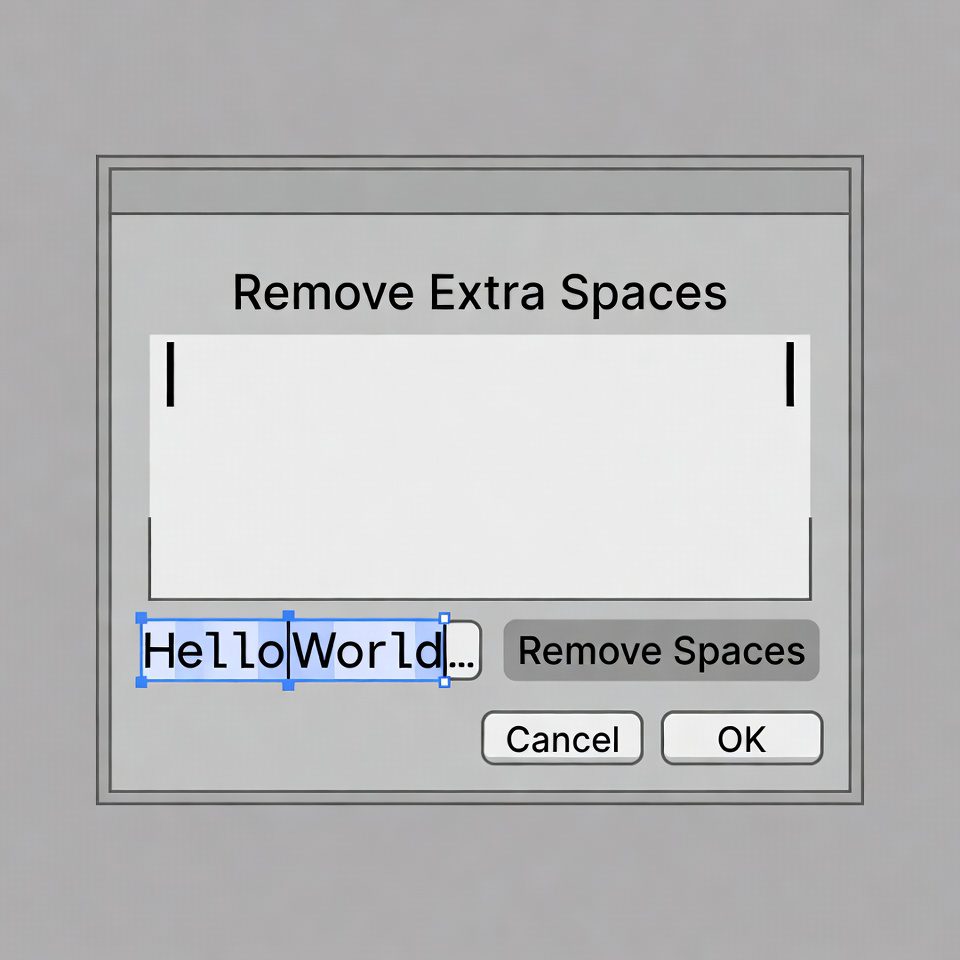
Remove Extra Spaces
This tool removes extra spaces from your text. It’s perfect for cleaning up text copied from various sources that may contain inconsistent spacing.
Choose from different options to control how spaces are handled.
Result:
How to Use:
- Enter or paste text with extra spaces in the input box above
- Select your preferred space handling options
- Click the “Remove Extra Spaces” button
- The cleaned text will appear in the result box
- Use the “Copy Result” button to copy the processed text to clipboard
Note: This tool helps format text consistently for better readability or to prepare it for systems that are sensitive to spacing issues.
Remove Extra Spaces Online | Clean Text Formatting
Remove extra spaces from text instantly. Our free tool cleans double spaces, trailing spaces, and formatting issues for perfect text processing.
Introduction
Dealing with messy text full of unnecessary spaces? Extra spaces can ruin formatting, break code, and make your content look unprofessional. Manually cleaning text is time-consuming and often incomplete. A remove extra spaces tool automatically eliminates spacing errors while preserving your text's integrity. This guide will show you why clean spacing matters and how our free tool ensures perfectly formatted text in seconds.
What is an Extra Spaces Remover?
An extra spaces remover is an online tool that detects and eliminates unnecessary whitespace from text. It cleans various spacing issues while maintaining proper word separation and formatting.
Our advanced tool removes:
- Double/multiple spaces between words
- Leading spaces at text beginnings
- Trailing spaces at text endings
- Tab characters and irregular spacing
- Line break spaces and invisible characters
Why Clean Spacing Matters
Proper text spacing impacts readability, functionality, and professionalism across various applications.
1. Code Development
Extra spaces can break code, affect functionality, and cause errors in programming and scripting.
2. Database Management
Clean data ensures accurate searching, sorting, and processing in databases and spreadsheets.
3. Web Publishing
Proper spacing improves readability and maintains consistent formatting across web pages.
4. Professional Documents
Clean text presents a polished appearance in reports, emails, and business communications.
Key Features of Our Spaces Remover
Our tool provides professional text cleaning with these user-friendly features.
- One-Click Cleaning: Remove all extra spaces instantly
- Selective Options: Choose which space types to remove
- Real-Time Preview: See cleaned text as you type
- Format Preservation: Maintain paragraph structure
- Batch Processing: Clean multiple texts simultaneously
Common Spacing Problems Solved
Here are typical text issues our tool resolves instantly.
Copied Text Issues
- Extra spaces from PDF conversions
- Formatting problems from web copying
- Irregular spacing from document exports
User Input Cleaning
- Clean form submissions and user-generated content
- Process data from multiple input sources
- Standardize text for database storage
Content Preparation
- Prepare articles for web publishing
- Clean text for email campaigns
- Format content for print materials
How to Remove Extra Spaces in 3 Steps
Cleaning your text is simple with our streamlined process.
- Paste Your Text: Input text with spacing issues
- Clean Text: Click to remove extra spaces instantly
- Copy Results: Use your perfectly formatted text
Text Spacing Best Practices
Follow these guidelines for optimal text formatting and readability.
Use Single Spaces
Always separate words with single spaces unless specific formatting requires otherwise.
Remove Trailing Spaces
Eliminate spaces at line endings to prevent formatting issues in code and documents.
Maintain Paragraph Breaks
Keep intentional line breaks while removing accidental extra spacing.
Test Processed Text
Verify cleaned text works correctly in your target application or system.
Understanding Space Types
Different space characters serve different purposes in text formatting.
Standard Spaces
Normal word separators that should appear once between words.
Non-breaking Spaces
Special spaces that prevent line breaks at specific points.
Tab Characters
Indentation spaces used for formatting and alignment.
Invisible Characters
Formatting marks that affect text layout without being visible.
Conclusion
Clean, properly spaced text is essential for professional communication, accurate data processing, and reliable system functionality. A reliable remove extra spaces tool eliminates formatting headaches while ensuring your text appears polished and functions correctly across all applications. Whether you're preparing content for publication, cleaning user data, or fixing copied text, automated space removal saves time and ensures consistent, professional results.
Checkout Our new tool Regular Expression Tester here....
Ready to clean your text? [Use our free Remove Extra Spaces tool now] and transform messy text into perfectly formatted content instantly!
Frequently Asked Questions (FAQs)
Is this extra spaces remover completely free?
Yes, 100% free with no usage limits, registration requirements, or hidden costs.
Will removing spaces change my text's meaning?
No, the tool only removes unnecessary spacing while preserving all words and punctuation.
Can I choose which spaces to keep?
Yes, you can selectively remove specific space types while preserving important formatting.
Does it work with text from different sources?
Absolutely. The tool cleans text from documents, web pages, PDFs, and any other source
Is this extra spaces remover completely free?
Yes, 100% free with no usage limits, registration requirements, or hidden costs.
Will removing spaces change my text's meaning?
No, the tool only removes unnecessary spacing while preserving all words and punctuation.
Can I choose which spaces to keep?
Yes, you can selectively remove specific space types while preserving important formatting.
Does it work with text from different sources?
Absolutely. The tool cleans text from documents, web pages, PDFs, and any other source
