
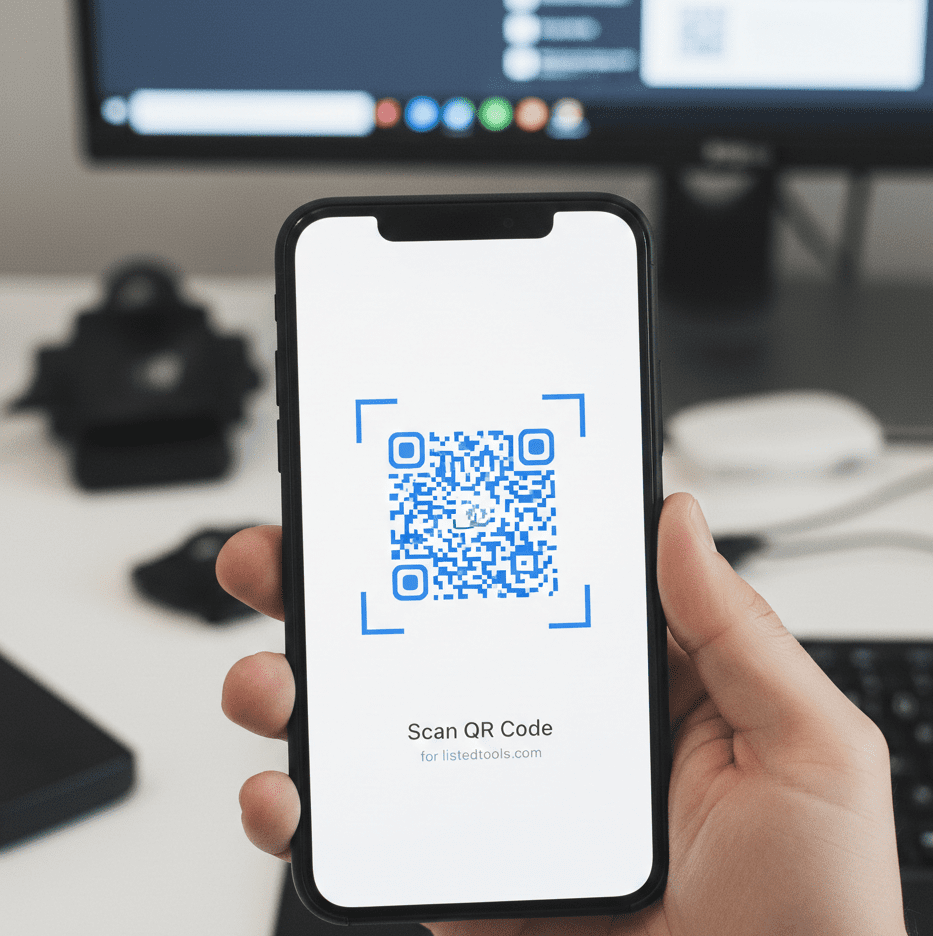
QR Code Scanner
About this tool: Scan QR codes using your device’s camera. This tool can read QR codes containing URLs, text, contact information, Wi-Fi credentials, and more.
How to use:
- Click “Start Camera” to activate your webcam
- Allow camera access when prompted by your browser
- Point your camera at a QR code
- The QR code will be automatically detected and scanned
- Alternatively, you can upload an image containing a QR code
Note: This tool requires access to your camera. You will be prompted to allow camera access when you click “Start Camera.” The camera is only used for scanning QR codes in your browser and no images are uploaded or stored.
Scan Results
QR Code Scanner | Scan QR Codes Online Free
Scan any QR code instantly with your webcam. Our free online QR code scanner works directly in your browser – no app download required.
Introduction
Found a QR code but don’t want to download a special app? Need to scan QR codes from your computer instead of your phone? QR codes are everywhere these days, but finding a convenient way to scan them can be frustrating. An online QR code scanner provides instant access to QR code scanning from any device with a camera. This guide will show you how QR codes work and how our free tool makes scanning effortless and accessible.
What is a QR Code Scanner?
A QR code scanner is a tool that reads Quick Response codes using your device’s camera. It decodes the pattern of black squares and translates them into usable information like URLs, contact details, or text.
Our browser-based scanner handles:
- Website URLs and links
- Contact information (vCards)
- Plain text and messages
- Wi-Fi network credentials
- Event details and calendar invites
Why QR Code Scanning is Essential
QR codes have become integral to modern digital interactions across various contexts.
1. Contactless Transactions
Access menus, payments, and information without physical contact in restaurants and stores.
2. Marketing and Advertising
Quickly access promotional content, websites, and special offers from printed materials.
3. Digital Business Cards
Share contact information instantly without manual data entry.
4. Authentication and Security
Verify identities and access secure systems using QR code authentication.
Key Features of Our QR Code Scanner
Our tool provides professional scanning capabilities with these user-friendly features.
- No Installation Required: Works directly in your web browser
- Webcam Access: Uses your device’s built-in camera
- Instant Decoding: Provides results in real-time
- Multiple Format Support: Handles all standard QR code types
- Privacy Focused: No data stored or shared from your scans
Common QR Code Scanning Scenarios
Here are everyday situations where our scanner provides immediate convenience.
Restaurant Menus
- Scan QR codes to view digital menus
- Access daily specials and nutritional information
- Place orders directly from your device
Product Information
- Scan codes on products for detailed specifications
- Access user manuals and setup guides
- Check authenticity and warranty information
Business Networking
- Scan digital business cards at events
- Quickly save contact information
- Connect on professional networks
How to Scan QR Codes in 3 Steps
Scanning QR codes is simple and intuitive with our tool.
- Allow Camera Access: Grant permission for webcam use
- Position QR Code: Hold the code in front of your camera
- View Results: Access the decoded information instantly
QR Code Scanning Best Practices
Follow these guidelines for optimal scanning success.
Ensure Good Lighting
Adequate light helps the camera detect the QR code pattern clearly and quickly.
Hold Steady
Keep your device stable to allow the scanner to focus and read the code accurately.
Check Code Quality
Ensure the QR code is undamaged and printed clearly for reliable scanning.
Verify Before Acting
Always check the destination before proceeding with links from unknown sources.
Understanding QR Code Types
Different QR codes contain various types of information for specific purposes.
URL Codes
Direct to websites, landing pages, or online resources when scanned.
Text Codes
Display plain text messages, instructions, or information directly.
Contact Codes
Contain vCard information for quickly saving contact details.
Wi-Fi Codes
Store network credentials for easy wireless connection setup.
Conclusion
QR code scanning has become an essential skill in our digital world, enabling quick access to information, seamless transactions, and efficient data sharing. A reliable QR code scanner eliminates the need for specialized apps while providing instant access to the content hidden in those familiar square patterns. Whether you’re accessing digital menus, connecting with contacts, or retrieving product information, browser-based scanning offers convenience and accessibility across all your devices.
Ready to scan QR codes effortlessly? [Use our free QR Code Scanner now] and access digital content instantly with your camera!
- This attribute tells search engines not to pass your page’s “authority” (or link juice) to the destination page.
Frequently Asked Questions (FAQs)
Is this QR code scanner completely free?
Yes, 100% free with no usage limits, registration requirements, or hidden costs.
Do I need to download an app?
No, our scanner works directly in your web browser without any downloads.
What devices are supported?
Any device with a webcam and modern web browser – including computers, laptops, and smartphones.
Is my camera data secure?
Yes, camera access is used only for scanning and no video is stored or transmitted.
Is this QR code scanner completely free?
Yes, 100% free with no usage limits, registration requirements, or hidden costs.
Do I need to download an app?
No, our scanner works directly in your web browser without any downloads.
What devices are supported?
Any device with a webcam and modern web browser – including computers, laptops, and smartphones.
Is my camera data secure?
Yes, camera access is used only for scanning and no video is stored or transmitted.
