
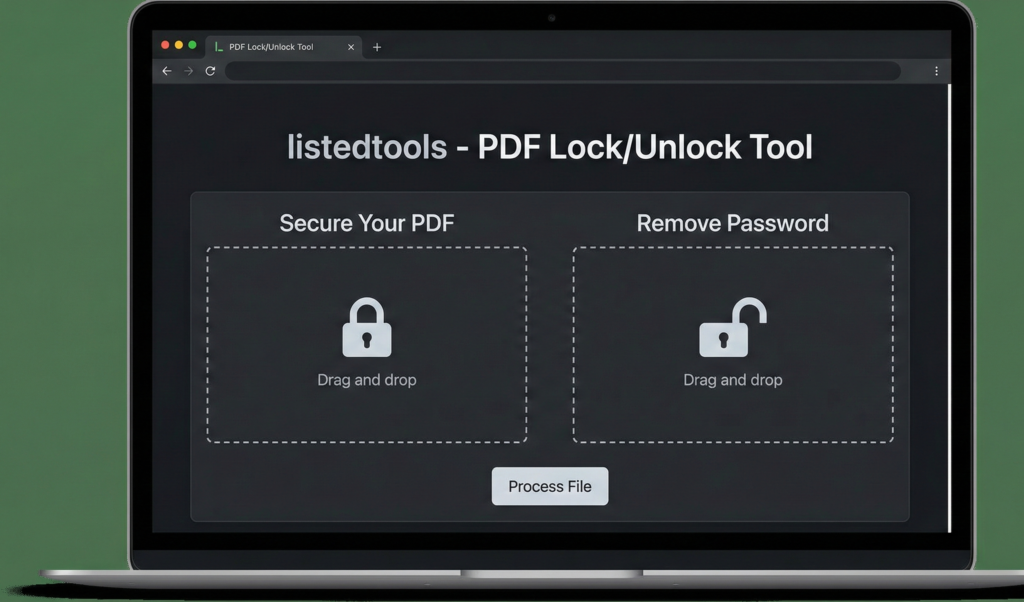
PDF Lock/Unlock Tool
Secure your PDF documents or remove existing password protection
About This Tool
Our PDF Lock/Unlock Tool allows you to add password protection to your PDF files or remove existing passwords (with proper authorization). Whether you need to secure sensitive information or regain access to a protected document, this tool provides a simple solution.
The tool offers both basic password protection and advanced permission settings to give you complete control over your PDF security.
Upload Your PDF File
Drag & drop your PDF file here or click to browse
File:
Status: Checking…
Add Password Protection
Permission Settings
Restrict what users can do with your document:
Remove Password Protection
How to Use
To Lock a PDF:
To Unlock a PDF:
PDF Security Information
Understanding PDF Password Types
Owner Password: Provides full access to the PDF, including the ability to change security settings and permissions.
User Password: Required to open the document. Without it, the PDF cannot be viewed at all.
Security Best Practices
- Use strong, unique passwords for important documents
- Keep track of your passwords in a secure password manager
- Consider using different user and owner passwords for maximum security
- Remember that PDF security is primarily a deterrent and may not stop determined attackers
PDF Lock/Unlock Tool | Password Protect PDF Online
Lock PDF files with passwords or unlock secured PDFs instantly. Our free PDF lock/unlock tool provides complete document security control.
Introduction
Need to protect sensitive PDF documents from unauthorized access? Received a password-protected PDF but can’t remember the password? PDF security is crucial for confidential documents, but managing passwords can be challenging. A PDF lock/unlock tool provides complete control over your document security, allowing you to protect files or access locked content when needed. This guide will show you why PDF security matters and how our free tool helps you manage document protection effectively.
What is a PDF Lock/Unlock Tool?
A PDF lock/unlock tool is an online utility that allows you to add password protection to PDF files or remove security restrictions from locked documents. It provides complete control over document access and permissions.
Our comprehensive tool handles:
- PDF encryption with strong passwords
- Permission restrictions for printing and editing
- Password removal from owned documents
- Security level customization
- Batch processing of multiple files
Why PDF Security is Essential
Proper document protection safeguards sensitive information and controls how documents are used.
1. Confidentiality Protection
Prevent unauthorized access to sensitive financial, legal, or personal documents.
2. Content Control
Restrict printing, editing, or copying to maintain document integrity.
3. Compliance Requirements
Meet regulatory standards for data protection and privacy.
4. Access Management
Control who can view and use your documents, even after distribution.
Key Features of Our PDF Lock/Unlock Tool
Our tool provides professional security management with these user-friendly features.
- Strong Encryption: Military-grade 128-bit or 256-bit AES encryption
- Flexible Permissions: Control printing, editing, and copying
- Quick Processing: Fast security application and removal
- User-Friendly Interface: Simple controls for all skill levels
- Privacy Guaranteed: Automatic file deletion after processing
Common Security Scenarios
Here are practical situations where PDF security tools provide immediate value.
Business Documents
- Protect financial reports and client data
- Secure internal policies and procedures
- Control distribution of proprietary information
Legal and Contracts
- Safeguard legal documents and agreements
- Protect confidential settlement information
- Secure sensitive case files
Personal Use
- Protect tax documents and personal records
- Secure scanned identification documents
- Control access to private family documents
How to Lock or Unlock PDFs in 3 Steps
Managing your PDF security is straightforward with our simple process.
- Upload PDF: Select your document for security modification
- Choose Action: Select lock or unlock and set preferences
- Process & Download: Get your secured or accessible PDF
PDF Security Best Practices
Follow these guidelines for optimal document protection and management.
Use Strong Passwords
Combine uppercase, lowercase, numbers, and special characters for maximum security.
Store Passwords Securely
Use password managers or secure locations to avoid losing access to your own documents.
Set Appropriate Permissions
Balance security needs with usability when restricting printing or editing.
Keep Unlocked Originals
Maintain unprotected copies of important documents in secure locations.
Understanding Security Levels
Different security options serve various protection needs and scenarios.
Password Protection
Basic security requiring a password to open the document.
Permission Restrictions
Controls what users can do with the document after opening.
Encryption Levels
128-bit for standard protection, 256-bit for maximum security.
Owner vs User Passwords
Different passwords for opening versus modifying permissions.
Conclusion
PDF security management is essential for protecting sensitive information, controlling document usage, and meeting compliance requirements. A reliable PDF lock/unlock tool provides the perfect balance between robust protection and practical accessibility, ensuring your documents remain secure while remaining usable when needed. Whether you’re safeguarding business documents, legal contracts, or personal records, proper PDF security ensures your confidential information stays protected while maintaining necessary access for authorized users.
Ready to secure your documents? [Use our free PDF Lock/Unlock Tool now] and take complete control of your PDF security instantly!
- “Our tool follows official Adobe PDF security standards to ensure your data remains private during the encryption process.”
Frequently Asked Questions (FAQs)
Is this PDF lock/unlock tool completely free?
Yes, 100% free with no usage limits, watermarks, or registration requirements.
Can I unlock any password-protected PDF?
You can only unlock PDFs for which you know the password, ensuring legal and ethical use.
How secure is the encryption?
We offer military-grade 128-bit and 256-bit AES encryption for maximum security.
Will locking affect my PDF’s quality?
No, security features are added without altering the document’s content or quality.
Is this PDF lock/unlock tool completely free?
Yes, 100% free with no usage limits, watermarks, or registration requirements.
Can I unlock any password-protected PDF?
You can only unlock PDFs for which you know the password, ensuring legal and ethical use.
How secure is the encryption?
We offer military-grade 128-bit and 256-bit AES encryption for maximum security.
Will locking affect my PDF’s quality?
No, security features are added without altering the document’s content or quality.
