
🔄 Image Flipper
Flip and rotate your images horizontally, vertically, or by any angle
Drop your image here or click to browse
Supports JPG, PNG, GIF, WebP, and other common formats
🔄 Rotation Controls
Original Image
Flipped/Rotated Image
📚 Flip History
Free Image Flipper | Flip Photos Horizontal & Vertical
- Flip your images horizontally or vertically online for free. Our image flipper tool is instant, easy to use, and requires no editing skills. Try it now!
Introduction
Ever taken a photo that would look better as a mirror image? Or needed to correct a selfie that came out reversed? Sometimes, a simple flip can completely transform an image’s composition and impact. An image flipper is the quickest way to achieve this creative adjustment. This guide will show you the power of flipping images and how our free tool can help you perfect your photos in one click.
What is an Image Flipper?
An image flipper is a digital editing tool that creates a mirror image of your photo. It reverses the image along a specific axis, changing its orientation without cropping or resizing.
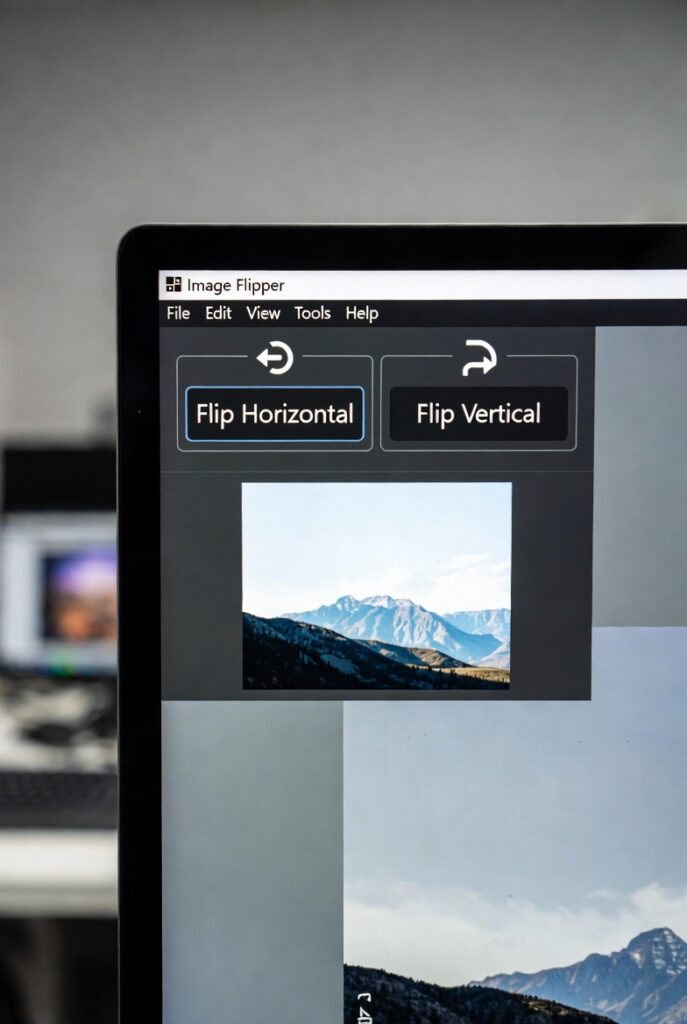
Our tool provides two primary flipping options:
- Flip Horizontal: Creates a left-to-right mirror image.
- Flip Vertical: Creates a top-to-bottom mirror image.
Why Flip an Image? Creative and Practical Uses
Flipping an image is more than just a novelty; it’s a powerful technique with numerous applications.
1. Create Perfect Social Media Collages
Flipping one image can provide visual variety and symmetry when creating a cohesive feed or collage on Instagram or Facebook.
2. Correct Selfie Reversal
Front-facing camera photos are often mirrored. Flipping them horizontally presents you as the world sees you, which can be important for portraits.
3. Improve Graphic Design Composition
Designers flip design elements, logos, and text to create balance, direct the viewer’s eye, or fit a layout more effectively.
4. Fix Directional Issues
Make a subject look to the right instead of the left to guide the viewer’s attention toward your website’s call-to-action or another page element.
Horizontal vs. Vertical Flip: What’s the Difference?
Understanding the two types of flips helps you choose the right one for your goal.
Horizontal Flip (Left to Right)
- Acts like a mirror placed to the side of the image.
- The top and bottom remain in place, but left and right swap.
- Best for: Correcting selfies, creating symmetrical designs, changing the direction a subject is facing.
Vertical Flip (Top to Bottom)
- Acts like a mirror placed above or below the image.
- The left and right remain in place, but the top and bottom swap.
- Best for: Creating water reflections, interesting abstract art, or fixing an upside-down image.
Key Features of Our Online Image Flipper
Our tool is designed for maximum simplicity and effectiveness.
- One-Click Operation: Flip your image horizontally or vertically with a single click.
- Instant Preview: See the result immediately before downloading.
- No Quality Loss: The flipping process is lossless, so your image remains sharp and clear.
- Multiple Format Support: Works with JPG, PNG, WEBP, and other common formats.
- Completely Free & Private: No watermarks, no registration, and your images are never stored on our server.
Step-by-Step Guide to Flipping an Image
Using our tool is incredibly straightforward. You can flip an image in just three simple steps.
- Upload Your Image: Click the upload button to select a photo from your computer or phone.
- Choose Your Flip: Click either the “Flip Horizontally” or “Flip Vertically” button.
- Download the Flipped Image: Save your newly flipped photo to your device instantly.
Conclusion
A simple flip can be the key to a better composition, a corrected photo, or a more engaging design. An image flipper is an essential, yet often overlooked, editing tool that empowers anyone to make quick and impactful changes to their visuals. It’s the easiest way to add a new perspective to your photography and graphic projects.
Ready to see your images in a new light? [Use our free Image Flipper tool now] and transform your photos with a single click!
Checkout Our new Image Cropper Tool…
