
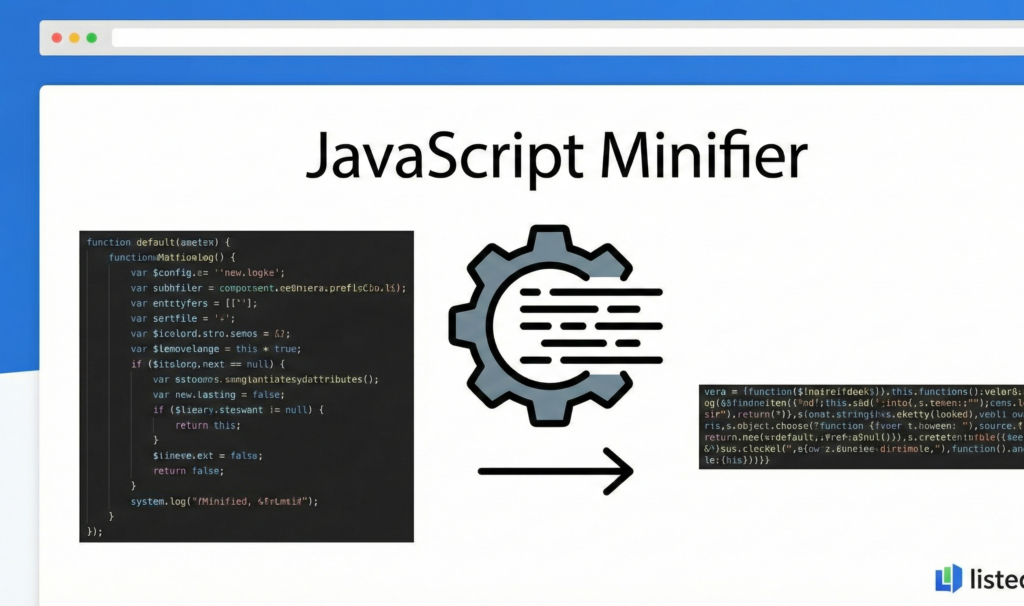
JavaScript Minifier
This JavaScript Minifier tool helps you reduce the size of your JavaScript files by removing unnecessary whitespace, comments, and optimizing code. Minifying JavaScript can improve page load times and reduce bandwidth usage for your website.
How to use: Paste your JavaScript code in the input box below, select your minification options, and click “Minify JavaScript”. The tool will generate a minified version of your code that you can copy and use in your website.
Note: This is a basic JavaScript minifier. For production code, consider using professional tools like Terser, UglifyJS, or Webpack that can safely optimize code with advanced techniques.
Minified JavaScript:
JavaScript Minifier | Minify JS Files Online
Minify JavaScript code to reduce file size and improve website speed. Our free JS minifier removes comments, whitespace, and optimizes your code.
Introduction
Is your JavaScript code slowing down your website? Large JS files can significantly impact page load times and user experience. Minification is the process of removing unnecessary characters from code without changing its functionality. A JavaScript minifier automatically optimizes your scripts by eliminating whitespace, comments, and shortening variable names. This guide will show you why JavaScript minification matters and how our free tool helps you create faster, more efficient websites.
What is a JavaScript Minifier?
A JavaScript minifier is a tool that compresses JavaScript code by removing all unnecessary characters while preserving functionality. It reduces file size to improve download times and website performance.
Our advanced minifier provides:
- Whitespace removal including spaces, tabs, and line breaks
- Comment elimination for all comment types
- Variable name shortening where safe and appropriate
- Syntax optimization without changing code behavior
- Error checking to ensure functionality preservation
Why JavaScript Minification is Crucial
Minified JavaScript delivers significant benefits for website performance and user experience.
1. Faster Page Load Times
Smaller file sizes mean quicker downloads and faster script execution.
2. Reduced Bandwidth Usage
Decreased file sizes lower hosting costs and improve performance for users with limited data.
3. Improved SEO Rankings
Google considers page speed as a ranking factor, making minification indirectly beneficial for SEO.
4. Better User Experience
Faster loading websites keep visitors engaged and reduce bounce rates.
Key Features of Our JavaScript Minifier
Our tool provides professional-grade minification with these developer-friendly features.
- One-Click Minification: Compress code instantly
- Size Comparison: See exact reduction percentages
- Error Detection: Identify issues before minification
- Multiple Input Options: Paste code or upload files
- Copy-Paste Ready: Easy transfer of minified code
Common Minification Scenarios
Here are practical situations where our minifier provides immediate value.
Website Optimization
- Minify jQuery, Bootstrap, and other library files
- Optimize custom JavaScript for production deployment
- Reduce overall website bundle size
Web Application Development
- Prepare production-ready JavaScript bundles
- Optimize React, Angular, or Vue.js applications
- Minify Node.js server-side code
Plugin and Library Development
- Create distribution versions of custom libraries
- Optimize code for public release
- Prepare minified versions alongside source code
How to Minify JavaScript in 3 Steps
Optimizing your JavaScript is straightforward with our simple process.
- Paste Your Code: Input your unminified JavaScript
- Minify: Let our tool compress and optimize your code
- Copy Results: Use your minified JavaScript immediately
JavaScript Minification Best Practices
Follow these guidelines for safe and effective code optimization.
Keep Original Files
Always maintain unminified source code for future editing and debugging.
Test Thoroughly
Verify minified code works correctly in all target environments before deployment.
Use Source Maps
Generate source maps to enable debugging of minified production code.
Automate the Process
Integrate minification into your build process for consistent results.
Understanding Minification Process
Different optimization techniques contribute to overall file size reduction.
Whitespace Removal
Eliminates spaces, tabs, and newlines that are unnecessary for execution.
Comment Stripping
Removes single-line and multi-line comments that aren't needed in production.
Variable Mangling
Shortens variable and function names where possible without breaking code.
Dead Code Elimination
Removes unreachable code that doesn't affect program execution.
Conclusion
JavaScript minification is an essential optimization technique for modern web development, delivering faster load times, reduced bandwidth usage, and improved user experience. A reliable JavaScript minifier automates the optimization process while ensuring your code remains fully functional. Whether you're optimizing a simple website, complex web application, or custom library, proper minification ensures your JavaScript delivers maximum performance without sacrificing functionality.
Ready to optimize your JavaScript? [Use our free JavaScript Minifier now] and create faster, more efficient web applications instantly!
- "Our tool uses advanced algorithms to perform JavaScript minification, stripping away unnecessary characters to reduce file size."
Frequently Asked Questions (FAQs)
Is this JavaScript minifier completely free?
Yes, 100% free with no usage limits, registration requirements, or hidden costs.
Will minification break my code?
No, our minifier preserves all functionality while only removing unnecessary characters.
How much size reduction can I expect?
Typically 30-50% reduction, depending on your code's original formatting and comments.
Can I minify ES6+ modern JavaScript?
Yes, our tool supports all modern JavaScript syntax including ES6+ features.
Is this JavaScript minifier completely free?
Yes, 100% free with no usage limits, registration requirements, or hidden costs.
Will minification break my code?
No, our minifier preserves all functionality while only removing unnecessary characters.
How much size reduction can I expect?
Typically 30-50% reduction, depending on your code's original formatting and comments.
Can I minify ES6+ modern JavaScript?
Yes, our tool supports all modern JavaScript syntax including ES6+ features.
