
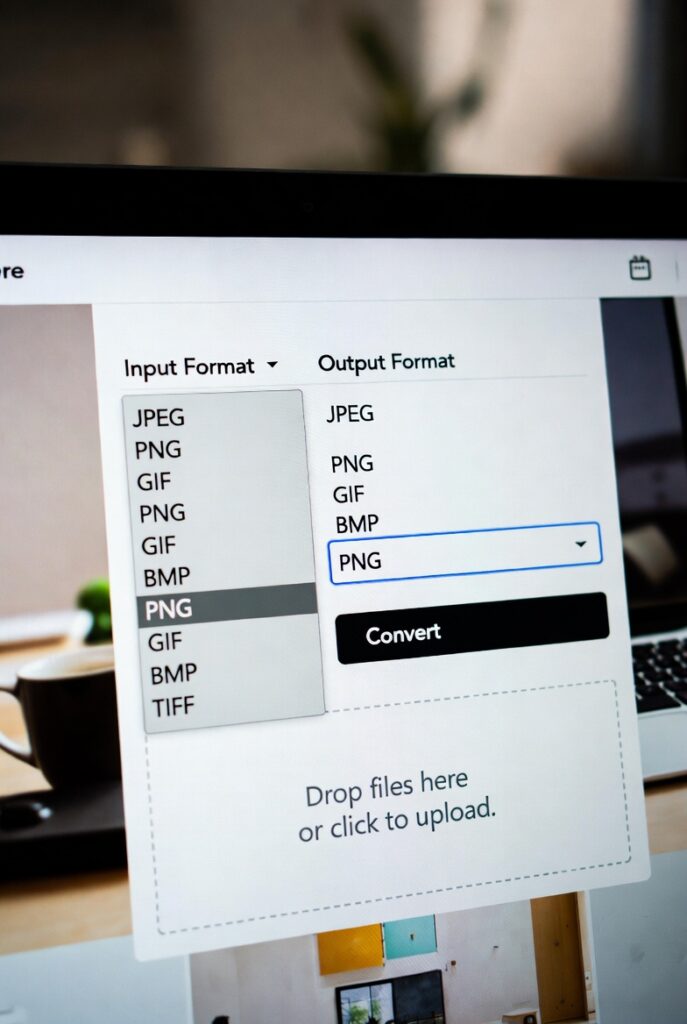
🔄 Image Format Converter
Convert images between JPG, PNG, WebP, and other formats with quality control
Drop your image here or click to browse
Supports JPG, PNG, GIF, WebP, BMP, and other common formats
- Small file size
- Lossy compression
- No transparency
- Universal support
- Lossless compression
- Transparency support
- Larger file size
- Great for graphics
- Superior compression
- Transparency support
- Modern browsers
- Best quality/size ratio
⚙️ Quality Settings
Original Image
Converted Image
Image Format Converter | JPG, PNG, WEBP, GIF Tool
- Convert image formats online for free. Change JPG to PNG, PNG to WEBP, and more. Preserve quality with our fast, secure image format converter tool.
Introduction
Have you ever found the perfect image only to discover it’s in the wrong format for your project? Whether you need a transparent background for a logo or a smaller file for your website, format compatibility is crucial. An image format converter solves this problem instantly. This guide will help you choose the right image format and show you how to convert any image in seconds with our free online tool.
What is an Image Format Converter?
An image format converter is a digital tool that changes a picture from one file format to another. Each format has unique strengths, and converting between them optimizes images for different uses.
Our versatile converter supports all major formats:
- JPG/JPEG: Ideal for photographs
- PNG: Perfect for graphics with transparency
- WEBP: Modern format with superior compression
- GIF: Suitable for simple animations
- BMP: Uncompressed Windows format
Why Image Format Conversion Matters
Choosing the wrong format can negatively impact your projects in several ways. Proper format selection ensures optimal results.
1. Ensures Cross-Platform Compatibility
Different applications and platforms prefer specific formats. Conversion guarantees your images will display correctly everywhere.
2. Optimizes File Size and Quality
Modern formats like WEBP can reduce file size by 25-35% compared to JPG while maintaining similar quality, speeding up your website.
3. Enables Special Features
Converting to PNG allows transparent backgrounds, while GIF format supports simple animations not possible with JPG.
4. Meets Specific Requirements
Many printing services, applications, and online platforms have strict format requirements that conversion can satisfy.
Understanding Common Image Formats
Knowing which format to choose is key to getting the best results from your conversion.
JPG/JPEG (Joint Photographic Experts Group)
- Best for photographs and complex images
- Uses lossy compression
- Does not support transparency
- Universal compatibility
PNG (Portable Network Graphics)
- Ideal for logos, graphics, and screenshots
- Supports transparency and lossless compression
- Larger file sizes than JPG
- Perfect for web graphics
WEBP (Web Picture Format)
- Modern format developed by Google
- Superior compression (25-35% smaller than JPG)
- Supports both lossy and lossless compression
- Growing browser support
GIF (Graphics Interchange Format)
- Supports simple animations
- Limited to 256 colors
- Lossless compression
- Perfect for memes and basic animations
Key Features of Our Image Format Converter
Our tool stands out with these user-focused features that make conversion effortless.
- Batch Conversion: Convert multiple images simultaneously to save time
- Quality Preservation: Maintain image quality during format changes
- Instant Processing: Fast conversion without long waiting times
- No Installation Required: Works directly in your web browser
- Privacy Guaranteed: Your images never leave your computer
Practical Conversion Scenarios
Here are common situations where our format converter provides the perfect solution.
Scenario 1: Website Optimization
You have a large JPG product image that’s slowing down your website.
- Action: Convert JPG to WEBP format
- Result: 30% smaller file size with similar quality, faster loading times
Scenario 2: Logo Preparation
You need a company logo with transparent background for a website header.
- Action: Convert JPG to PNG format
- Result: Professional-looking logo with transparent background
Scenario 3: Social Media Content
You want to create an animated banner for your social media profile.
- Action: Convert video stills to GIF format
- Result: Engaging animated content that captures attention
How to Convert Image Formats in 3 Steps
Our streamlined process makes format conversion accessible to everyone.
- Upload Your Image: Select the image file from your device
- Choose Target Format: Select your desired output format (PNG, JPG, WEBP, etc.)
- Download Result: Save your newly converted image instantly
Conclusion
The right image format can dramatically improve your digital content’s appearance, performance, and compatibility. Whether you’re optimizing website speed, preparing professional graphics, or creating engaging social media content, having a reliable image format converter is essential. It ensures your visual content always makes the best possible impression while meeting technical requirements.
Ready to optimize your images? [Use our free Image Format Converter now] to get the perfect format for any project in seconds!
Checkout our new Image Flipper tool:
