
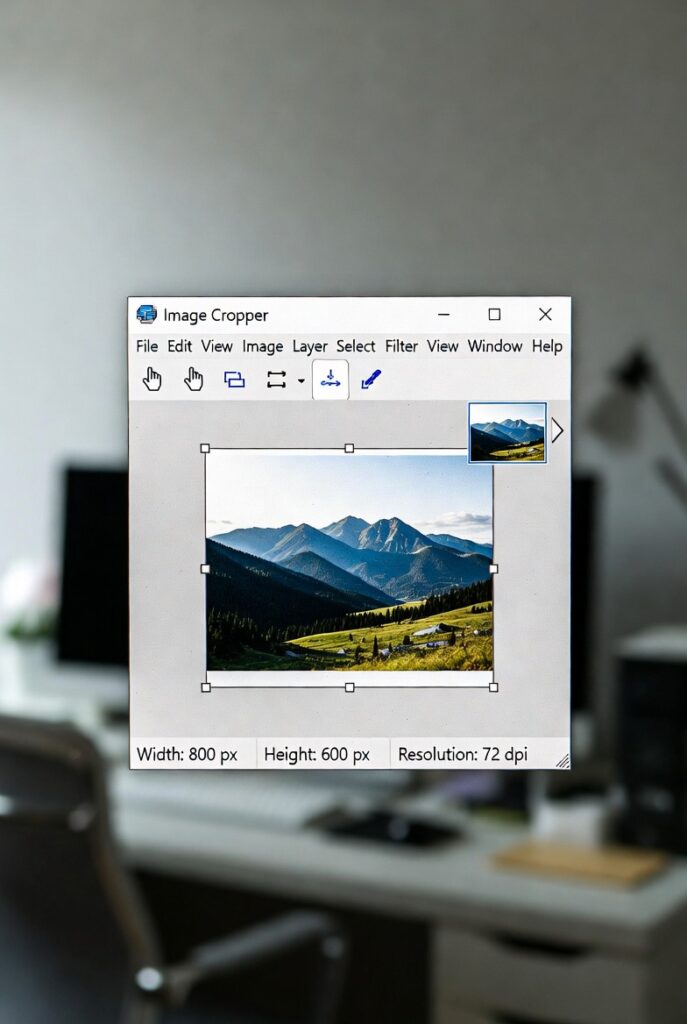
✂️ Image Cropper
Crop your images with precise aspect ratios and custom dimensions
Drop your image here or click to browse
Supports JPG, PNG, GIF, WebP, and other common formats
📋 How to Use:
- Upload an image using the button above or drag & drop
- Select an aspect ratio or choose “Custom” for free cropping
- Click and drag on the image to create a crop selection
- Adjust the selection by dragging the corners or edges
- Click “Crop Image” to apply the crop
- Download your cropped image
🖼️ Crop Area
⚙️ Crop Settings
Selection Info
No selection
Position: 0, 0
Aspect: Free
Original Image
Cropped Image
Free Image Cropper | Crop Photos Online Precisely
- Crop images online for free. Remove distractions, change aspect ratios, and focus on your subject with our easy, precise image cropping tool.
Introduction
Does your perfect photo have an unwanted photobomber in the corner? Or is it the wrong size for your Instagram post? These common problems have a simple solution: cropping. An image cropper is one of the most fundamental and powerful editing tools at your disposal. This guide will show you how to use cropping to improve composition and how our free tool makes it effortless.
What is an Image Cropper?
An image cropper is a digital tool that allows you to remove outer parts of a photograph. It helps you change the frame and aspect ratio of your image.
This process lets you:
- Remove unwanted elements from the edges.
- Change the focal point of the picture.
- Adjust the aspect ratio for different platforms.
- Zoom in on the most important subject.
Why Cropping is Essential for Great Photos
A strategic crop can transform an average photo into an outstanding one. It’s the quickest way to improve your visual content.
1. Improves Composition and Focus
Cropping allows you to apply the rule of thirds, leading lines, and other compositional techniques after the photo is taken.
2. Removes Distractions
Eliminate background clutter, random objects, or people that take attention away from your main subject.
3. Creates Multiple Photos from One
A wide shot can often be cropped to create several close-up, detail-oriented images for different uses.
4. Meets Specific Size Requirements
Social media, websites, and print materials all require different image dimensions. Cropping ensures your photos fit perfectly.
Key Cropping Techniques for Better Images
Understanding a few basic principles will help you crop like a pro.
The Rule of Thirds
Imagine your image divided into a 3×3 grid. Place key elements along these grid lines or at their intersections for a balanced composition.
Aspect Ratio Control
Maintain specific proportions like 1:1 (square), 4:5 (Instagram portrait), or 16:9 (widescreen) to suit your platform needs.
Focus on the Subject
Eliminate empty space around your main subject to create impact and direct the viewer’s attention exactly where you want it.
Key Features of Our Online Image Cropper
Our tool is designed to give you professional cropping results in seconds.
- Precise Control: Drag the edges of the crop box with pixel-level accuracy.
- Preset Aspect Ratios: Choose from common ratios like Square (1:1), Instagram (4:5), HD (16:9), and more.
- Rule of Thirds Grid: Overlay a composition guide to help you crop perfectly.
- Zoom and Pan: Get your crop exactly right by zooming in and moving the image.
- Instant Download: Get your cropped image immediately with no quality loss.
Common Cropping Scenarios and Solutions
Here’s how cropping solves real-world image problems.
Scenario 1: Social Media Preparation
You have a landscape photo but need a vertical version for your Instagram story.
- Action: Crop to a 9:16 aspect ratio.
- Result: A perfectly sized, full-screen image for stories.
Scenario 2: Product Photography
Your product shot has too much empty space around the subject.
- Action: Crop tightly around the product.
- Result: A focused, professional product image that highlights details.
Scenario 3: Portrait Improvement
A group photo has an unwanted person at the edge of the frame.
- Action: Crop them out while keeping the main subjects.
- Result: A clean, focused portrait without distractions.
How to Crop an Image in 3 Simple Steps
Our process makes professional cropping accessible to everyone.
- Upload Your Image: Select the photo you want to crop from your device.
- Adjust the Crop Box: Drag the corners to select your desired area. Use preset ratios for convenience.
- Download Your Cropped Photo: Save the perfectly cropped image to your device.
Conclusion
Cropping is more than just cutting away parts of a photo—it’s about revealing the best version of your image. A reliable image cropper gives you the power to transform compositions, meet platform requirements, and create professional-looking visuals in seconds. It’s the simplest way to ensure every photo you share makes its intended impact.
Ready to perfect your photos? [Use our free Image Cropper now] and create better compositions in seconds!
Checkout Our new Image Compressor tool…
