
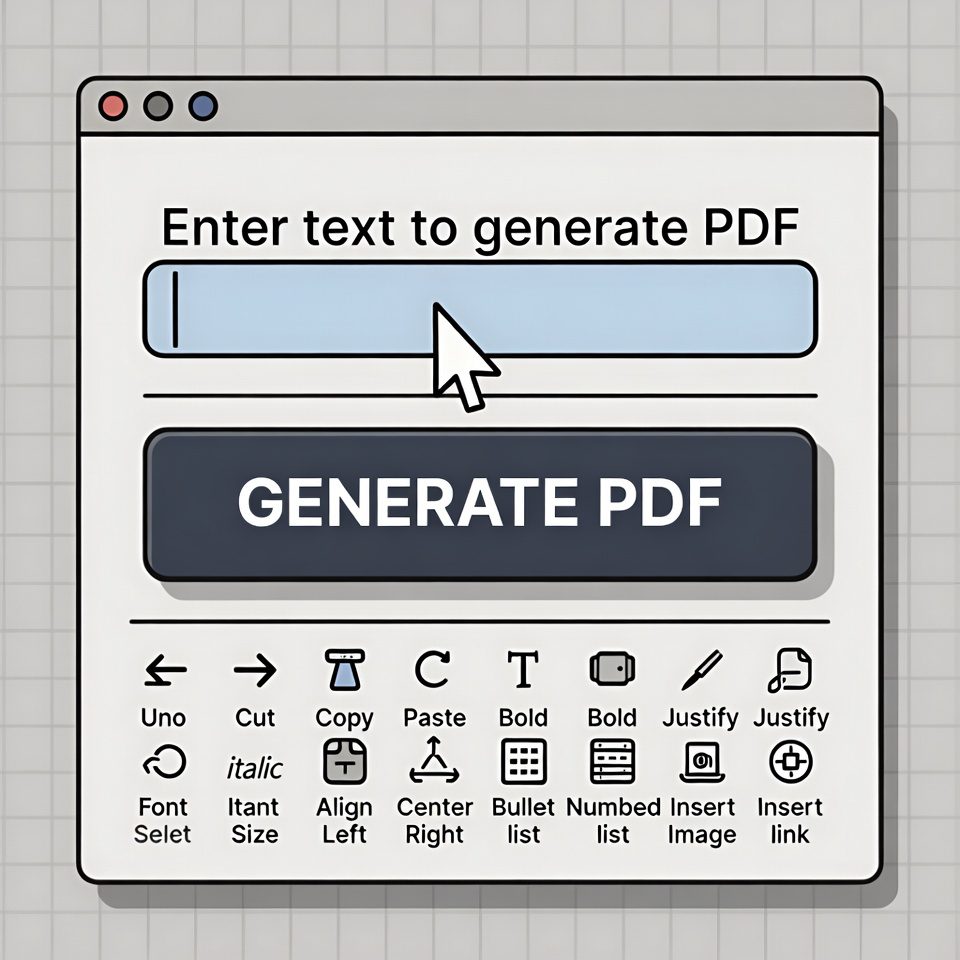
Text to PDF Generator
Create professional PDF documents from plain text
About This Tool
The Text to PDF Generator allows you to quickly convert plain text into professionally formatted PDF documents. This tool is perfect for creating simple reports, letters, documentation, or any text-based document that needs to be shared in PDF format.
Simply enter your text, customize the formatting options, and generate a clean, professional PDF document in seconds.
Enter Your Text
Upload a text file (.txt) to convert to PDF:
Formatting Options
Preview
How to Use
Use Cases
- Reports and Documentation: Quickly convert plain text reports to professional PDF documents
- Essays and Assignments: Format and submit academic work in PDF format
- Business Letters: Create formal correspondence with proper formatting
- Code Snippets: Convert code or technical text to shareable PDFs
- Archiving Text: Save important text messages or notes in a universal format
Text to PDF Generator | Create PDF from Text Online
Convert text to PDF documents instantly. Our free text to PDF generator creates professional PDF files from any text with custom formatting options.
Introduction
Need to convert plain text into a professional PDF document? Tired of text files that lose formatting when shared? Creating presentable documents from simple text shouldn’t require expensive software. A text to PDF generator transforms your raw text into polished, universally accessible PDF files in seconds. This guide will show you why PDF is the ideal format for document sharing and how our free tool creates professional results instantly.
What is a Text to PDF Generator?
A text to PDF generator is an online tool that converts plain text into Portable Document Format (PDF) files. It takes unstructured text and creates formatted, professional-looking documents ready for sharing and printing.
Our advanced generator creates:
- Properly formatted PDF documents
- Custom page layouts and margins
- Font and style customization
- Page numbering and headers
- Table of contents from text structure
Why Convert Text to PDF?
PDF format offers significant advantages over plain text files for document sharing and preservation.
1. Universal Compatibility
PDF files appear identical on all devices and operating systems, unlike text files that may display differently.
2. Formatting Preservation
Your document maintains its layout, fonts, and structure regardless of where it’s opened or printed.
3. Professional Appearance
PDF documents appear more formal and polished than plain text files, making them ideal for business communication.
4. Security Features
PDFs can be password-protected, preventing unauthorized editing or copying of your content.
Key Features of Our Text to PDF Generator
Our tool provides professional PDF creation with these user-friendly features.
- Multiple Font Options: Choose from professional typefaces
- Custom Margins: Adjust page layout for optimal readability
- Header/Footer Support: Add professional document elements
- Batch Processing: Convert multiple text files simultaneously
- Instant Download: Get your PDF immediately after generation
Common Conversion Scenarios
Here are practical situations where text to PDF conversion provides immediate value.
Business Documentation
- Convert meeting notes to formal minutes
- Create professional reports from raw data
- Generate client documents from text templates
Academic Work
- Transform essays and research papers into submission-ready format
- Convert lecture notes into organized study guides
- Create professional-looking academic papers
Personal Use
- Preserve important notes in stable format
- Create readable versions of text lists
- Convert journal entries into permanent records
How to Convert Text to PDF in 3 Steps
Creating professional PDF documents is simple with our streamlined process.
- Paste or Type Text: Enter your content into the text editor
- Customize Formatting: Choose fonts, margins, and layout options
- Generate PDF: Download your professionally formatted document
Text to PDF Best Practices
Follow these guidelines for optimal PDF creation from text content.
Use Clear Text Structure
Separate sections with blank lines and use consistent heading formats for automatic structure detection.
Choose Readable Fonts
Stick to professional, web-safe fonts like Arial, Times New Roman, or Helvetica for best compatibility.
Include Proper Spacing
Use paragraph breaks and line spacing to improve readability in your final PDF document.
Add Document Metadata
Include title, author, and subject information for better document organization and searchability.
Understanding PDF Advantages
PDF format provides unique benefits that plain text cannot match.
Layout Consistency
PDFs maintain exact formatting across all platforms, unlike text files that adapt to local settings.
Print Optimization
PDF documents are designed for high-quality printing with precise control over page layout.
File Compression
PDFs can compress large text documents while maintaining quality and searchability.
Digital Signature Support
PDF format supports electronic signatures for legal documents and official approvals.
Conclusion
Converting text to PDF transforms unstructured content into professional, universally accessible documents that maintain their formatting across all platforms. A reliable text to PDF generator eliminates the need for expensive software while ensuring your documents make the right impression every time. Whether you’re creating business reports, academic papers, or personal documents, PDF conversion guarantees your content is presented professionally and preserved exactly as intended.
Ready to create professional documents? [Use our free Text to PDF Generator now] and transform your text into polished PDFs instantly!
Checkout Our new tool Text to Lowercase Converter here…
Frequently Asked Questions (FAQs)
Is this text to PDF generator completely free?
Yes, 100% free with no watermarks, usage limits, or registration requirements.
What’s the maximum text length I can convert?
Our tool handles documents up to 100,000 characters, suitable for most business and academic documents.
Can I customize the appearance of my PDF?
Yes, you can choose fonts, adjust margins, add headers/footers, and control page layout.
Will my PDF be searchable?
Absolutely. The generated PDF maintains full text search capability across all PDF readers.
Is this text to PDF generator completely free?
Yes, 100% free with no watermarks, usage limits, or registration requirements.
What’s the maximum text length I can convert?
Our tool handles documents up to 100,000 characters, suitable for most business and academic documents.
Can I customize the appearance of my PDF?
Yes, you can choose fonts, adjust margins, add headers/footers, and control page layout.
Will my PDF be searchable?
Absolutely. The generated PDF maintains full text search capability across all PDF readers.
